
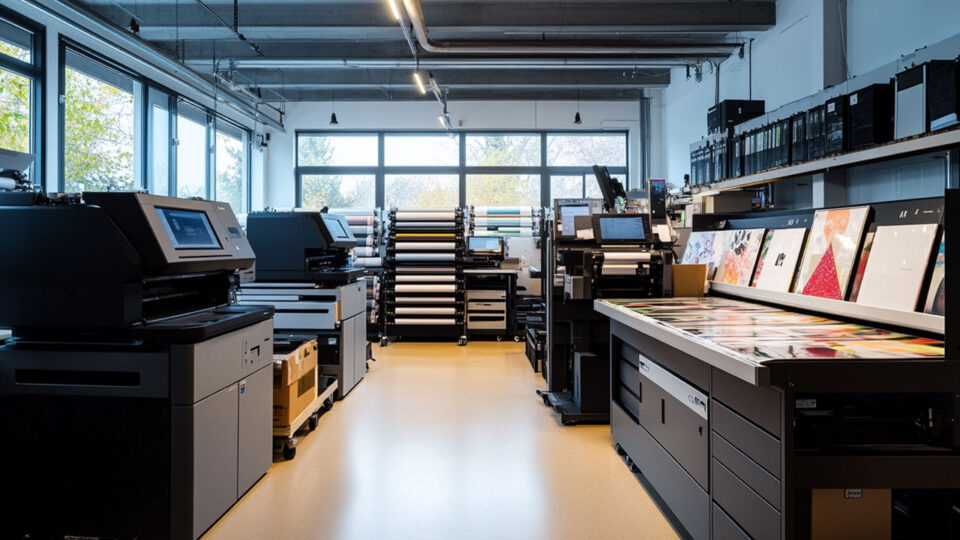
Multiple print jobs may be a difficult to control process in a high volume workflow. Be it at an office setting, a print shop or handling large format prints, it is important to remain orderly and efficient in order to minimize downtimes and also make sure that the job is done on time and to specification. An effective print management will help the resources to be efficiently utilized, and the print jobs will be done in the most cost effective manner.
Explore strategies for better managing multiple print jobs
Why effective print management is crucial
A high volume workflow needs to have appropriate print management, to avoid delays and bottlenecks. Without the right procedures, printing will not be organized properly and this could lead to wastage of time, resources and expenditure. The businesses will be able to optimize their operations with the right strategies and deliver the print jobs within the required time with precision.
The key benefits of good print management are:
- Increased efficiency: Optimizes the printing processes so as to eliminate delays and reduce downtimes.
- Cost savings: Reduces wastage by tracking down print usage and identifying the most cost effective solutions.
- Improved quality: Makes sure that the print jobs are completed with quality and accuracy.
- Resource management: Resource management is the most optimal exploitation of the available equipment, paper and ink.
How to manage multiple print jobs with better print management
Multiple print jobs are required to be planned and organized. These are among the strategies that can be implemented to improve your print management system in high volume settings.
Use print management software
- Centralized control: Print management software enables you to control all the print jobs in a central platform and therefore it would be easy to track and prioritize jobs.
- Job scheduling: Job scheduling can be done using software tools in order to ensure that important jobs are done immediately, and at the same time, ensure that the printer is used to the maximum.
- Monitor the progress: Monitor the status of all print jobs in a timely manner, and it can be utilized to identify potential delays early.
Implement print queues and job prioritization
- Establish print queues: Establish particular print queues based on job type, priority or department. This will avoid the delay of high priority print jobs due to the low priority jobs.
- Prioritize high priority jobs: Priority jobs which are time sensitive should be assigned high priority in software or manual sorting so that they are printed first.
- Set job deadlines: There has to be a deadline to every print job, and the team members must know the priorities.
Automate workflows and reduce manual tasks
- Automated workflows: Automate the repetitive processes like file conversion, formatting and printing settings. This decreases the risk of human error and accelerates the process in general.
- Batch processing: Combine similar print jobs to reduce the time required to configure a single job.
- Use predefined templates: Ready print templates that automatically alter the settings of different types of print, i.e. large format document or color specific jobs.
Regularly maintain and optimize printers
- Preventive maintenance: Do routine maintenance on the printers in order to prevent unforeseen failures. Clean print heads, examine the paper jams, change consumables.
- Monitor ink and paper levels: Check the state of ink and paper supplies to prevent the exhaustion during a large volume print run. Make sure that supplies are in place and at hand.
- Ensure printer compatibility: Make sure that the printers used are compatible with the file formats that you are printing on and that they can print the required amount as well.
Concluding
Print management must be of high quality in high volume workflow to ensure efficiency, minimize costs and come up with high quality work. Through constant upgrading and optimization of your print management system, it will be much easier to manage your business and avoid the bottlenecks in your printing mechanisms.


